Technical SEO: The Complete Guide to Crawlability, Indexing & Site Health
Master robots.txt, XML sitemaps, Core Web Vitals, canonical tags, structured data, and crawl budget — the technical foundation every site needs for strong search rankings.
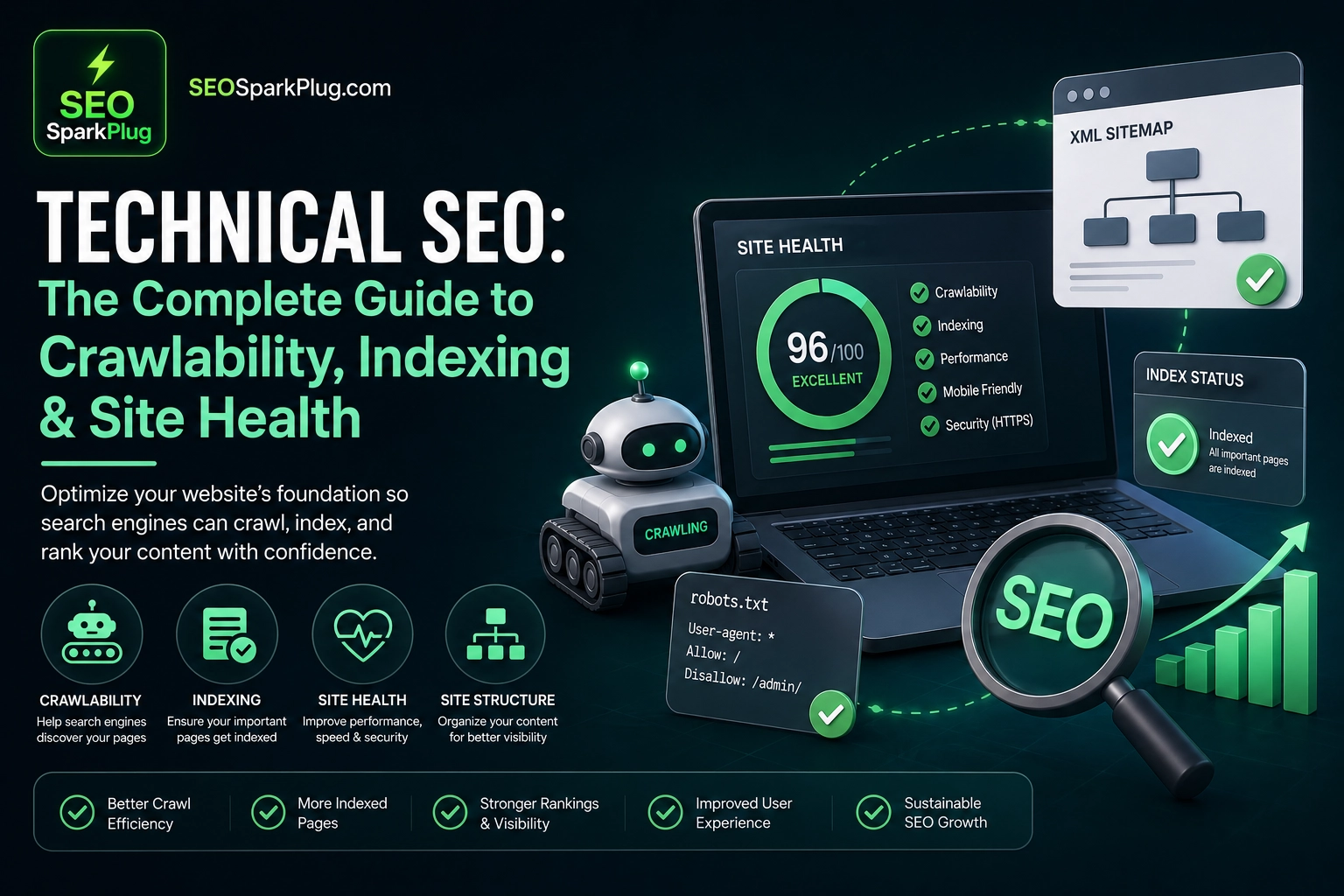
Why Technical SEO Is the Foundation of Every Ranking Strategy
Technical SEO is the practice of optimizing your website's infrastructure so search engines can crawl, index, and render your pages efficiently. Without a solid technical foundation, even the best content and backlink profile will struggle to rank. Technical SEO covers crawlability, indexation, site speed, mobile usability, structured data, security, and URL architecture — all signals that search engines use when determining which pages deserve visibility in the SERP (Search Engine Results Page).
Think of technical SEO as the plumbing of your website. Users never see it directly, but when it breaks, nothing else works well. A comprehensive SEO audit should always start with technical health before moving to on-page optimization or link building.
How Search Engines Crawl and Index Your Site
Search engines use automated programs called crawlers (Googlebot is Google's primary crawler) to discover pages by following links. Crawlers fetch HTML, analyze content and signals, and add eligible pages to the search index. Indexing does not guarantee ranking — it only means a page is eligible to appear in search results.
The Crawl → Index → Rank Pipeline
- Crawl: Bots discover URLs via links, sitemaps, and submitted URLs in Google Search Console.
- Render: Modern crawlers execute JavaScript to see content as users do (render budget matters for large JS sites).
- Index: Search engines store and organize page content, metadata, and signals.
- Rank: Algorithms score indexed pages against queries using hundreds of ranking factors.
Common indexation problems include blocked robots.txt rules, noindex tags, duplicate content without canonicals, orphan pages (no internal links), and server errors (4xx/5xx status codes). Use Google Search Console's Index Coverage and Page Indexing reports to diagnose these issues.
Robots.txt: Controlling What Crawlers Can Access
The robots.txt file at your domain root tells crawlers which paths they may or may not request. It uses the Robots Exclusion Protocol. Important distinction: robots.txt blocks crawling, not indexing. A page blocked by robots.txt can still be indexed if linked from elsewhere unless you also use a noindex directive (which crawlers must be able to fetch to see).
- User-agent: Specifies which bot the rule applies to (e.g., Googlebot, Bingbot).
- Disallow: Paths crawlers should not fetch.
- Allow: Exceptions within disallowed paths.
- Sitemap: Optional pointer to your XML sitemap location.
Best practice: block low-value URLs (admin panels, filtered faceted navigation, internal search result pages) but never block CSS, JavaScript, or important content you want indexed. Validate robots.txt in Google Search Console after every change.
XML Sitemaps: Helping Search Engines Discover Pages
An XML sitemap lists URLs you want search engines to know about, along with optional metadata (last modified date, change frequency, priority). Sitemaps are especially valuable for large sites, new sites with few external links, and pages with weak internal linking.
Submit your sitemap in Google Search Console and Bing Webmaster Tools. Keep sitemaps under 50,000 URLs or 50MB uncompressed per file; use a sitemap index for larger sites. Exclude noindex URLs and canonicalized duplicates from sitemaps to avoid wasting crawl budget.
Canonical Tags and Duplicate Content Management
Duplicate content occurs when substantially similar content is accessible at multiple URLs. This dilutes ranking signals and can confuse search engines about which version to show. The canonical tag (rel="canonical") tells search engines the preferred URL for a piece of content.
- Use self-referencing canonicals on unique pages as a best practice.
- Point parameterized URLs (sort, filter, tracking params) to the clean canonical version.
- Consolidate HTTP/HTTPS and www/non-www with 301 redirects plus canonicals.
- For syndicated content, canonicalize to the original publisher URL.
Core Web Vitals and Page Experience Signals
Core Web Vitals are Google's user-centric performance metrics that influence page experience ranking signals:
- LCP (Largest Contentful Paint): Loading performance — target under 2.5 seconds.
- INP (Interaction to Next Paint): Responsiveness — target under 200 milliseconds.
- CLS (Cumulative Layout Shift): Visual stability — target under 0.1.
Improve LCP by optimizing images (WebP/AVIF, responsive srcset, lazy loading below the fold), using a CDN, and reducing server response time (TTFB). Reduce INP by minimizing long JavaScript tasks and deferring non-critical scripts. Fix CLS by setting explicit width/height on images and reserving space for ads and embeds.
Mobile-First Indexing and Responsive Design
Google predominantly uses the mobile version of your content for indexing and ranking. Your mobile site must contain the same primary content as desktop, with equivalent structured data and meta robots tags. Avoid mobile-only noindex patterns and ensure tap targets, font sizes, and viewport configuration meet mobile usability guidelines.
Structured Data (Schema Markup)
Schema.org structured data helps search engines understand entities on your page — products, articles, FAQs, local businesses, reviews, and more. Valid JSON-LD markup can unlock rich results (rich snippets) in the SERP, improving click-through rate even before ranking position changes.
Common schema types for SEO: Article, FAQPage, HowTo, Product, LocalBusiness, Organization, BreadcrumbList, and WebSite (with SearchAction for sitelinks search box). Test markup with Google's Rich Results Test and monitor enhancement reports in Search Console.
Site Architecture and Internal Linking for Crawl Efficiency
Flat, logical site architecture helps crawlers reach important pages within fewer clicks. Aim for key pages within three clicks of the homepage. Use descriptive, keyword-relevant URL slugs, breadcrumb navigation, and contextual internal links with varied but relevant anchor text. Orphan pages and deep pagination without proper linking waste crawl budget.
HTTPS, Security, and Trust Signals
HTTPS is a confirmed ranking signal and a user trust requirement. Migrate with 301 redirects from HTTP to HTTPS, update internal links, and fix mixed content warnings. Security issues (malware, hacked content) can trigger manual actions that remove your site from search results entirely.
Technical SEO Audit Checklist
- Verify indexation status and fix coverage errors in Search Console.
- Audit robots.txt and XML sitemaps for accuracy.
- Resolve 404 errors, redirect chains, and broken internal links.
- Implement canonicals on all indexable pages.
- Measure and improve Core Web Vitals on mobile and desktop.
- Add and validate structured data for eligible page types.
- Ensure mobile parity and responsive design quality.
- Monitor crawl stats and fix server errors promptly.
Conclusion: Build Technical SEO Into Every Launch
Technical SEO is not a one-time project — it requires ongoing monitoring as you add pages, change platforms, and ship new features. Tools like SEO SparkPlug automate technical audits, flag critical errors, and prioritize fixes by impact so you spend time on changes that actually move your SEO score and organic traffic. Strong technical health gives your content and authority signals the best chance to rank competitively in today's SERP.